


Extreme security, extreme easy to use, exclusive player online
Published: 2022-08-17 15:27:15
Operation process:
1. Skycom official website, download center, supporting tools, download and install the video export tool
2. Remove and place the memory card of the camera into the card reader
3. Click the video data directory and select the USB disk directory folder
4. Wait for the successful reading and click to play back (the video progress bar can scroll down to zoom in)
5. Clip and export the video. Right-click the clip to promote the progress bar to be edited, left click to play the video, select the start time and end time, and click Start Import
- Previous: Nothing !
- Next: Seetongjuly version big update!!
Recommended products
-
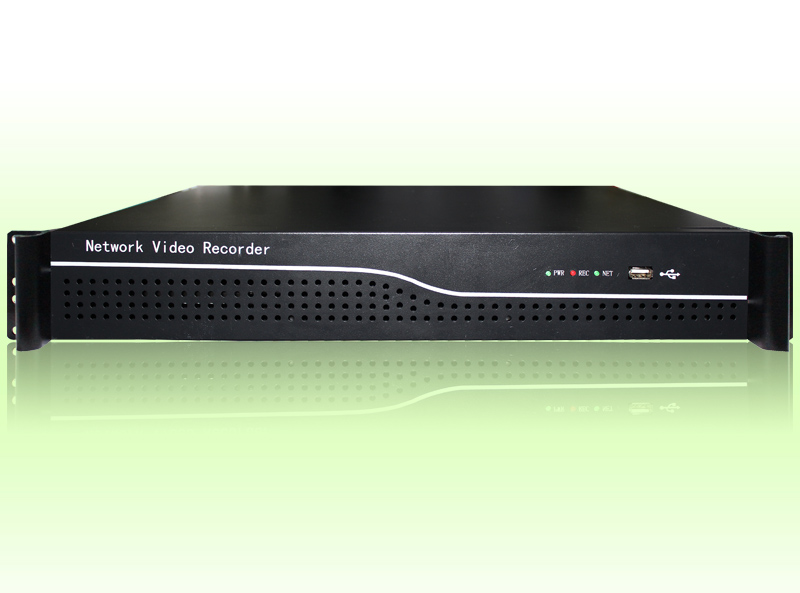 TS8864G 64-ch 2U 4K H265+ NVR
Nvr4.0 H.265 series 64 channel network video recorder
-
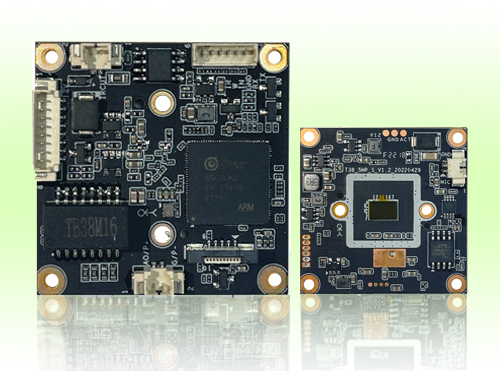 5 MP 38*38mm black light
TB38M16
-
.png) 2 MP 53*53mm black light WIFI TF card
2 MP 53*53mm black light WIFI TF cardTD53J20
-
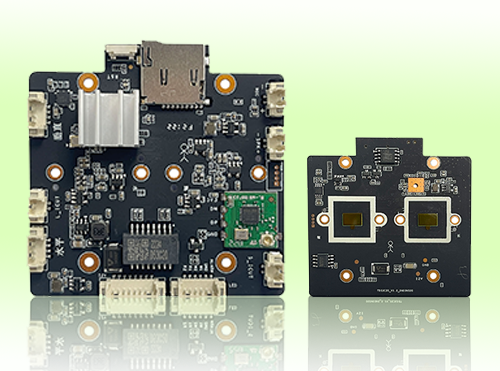 4 MP 53*53mm black light binocular WIFI TF card
TD53C20
-
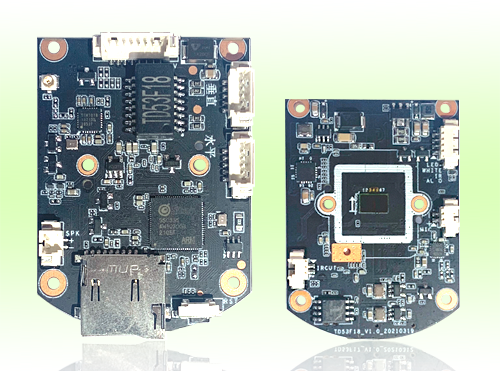 3 MP 53*53mm dual light WIFI TF card
TD53F18
-
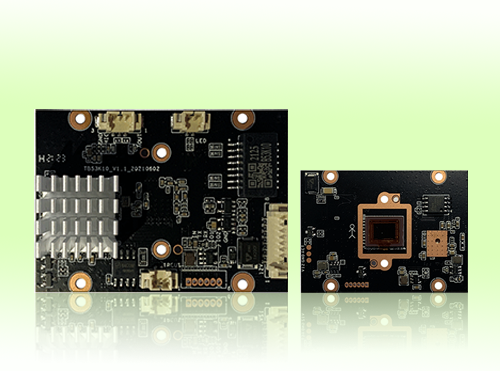 8 MP 42*42mm black light
TB53K20
-
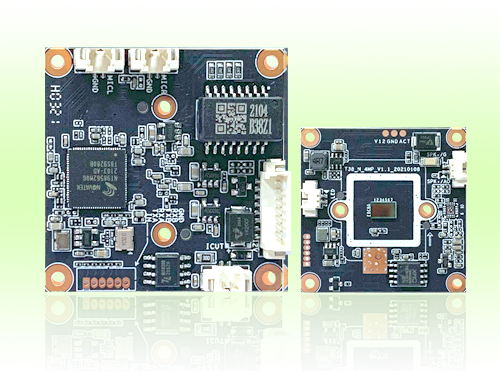 4 MP 38*38mm black light
TB38Z20
-
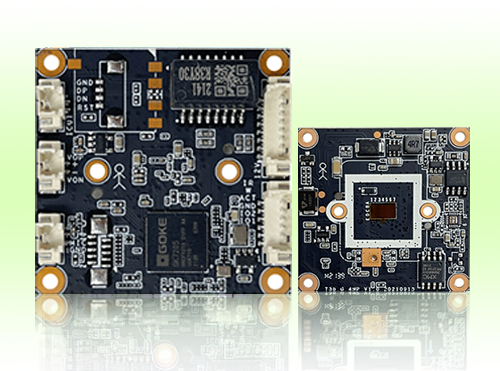 4 MP 38*38mm dual light
TR38Y30